
How to Read a DXF Drawing for Metal Processing
Published on 14 August 2026 by Metal S.r.l.
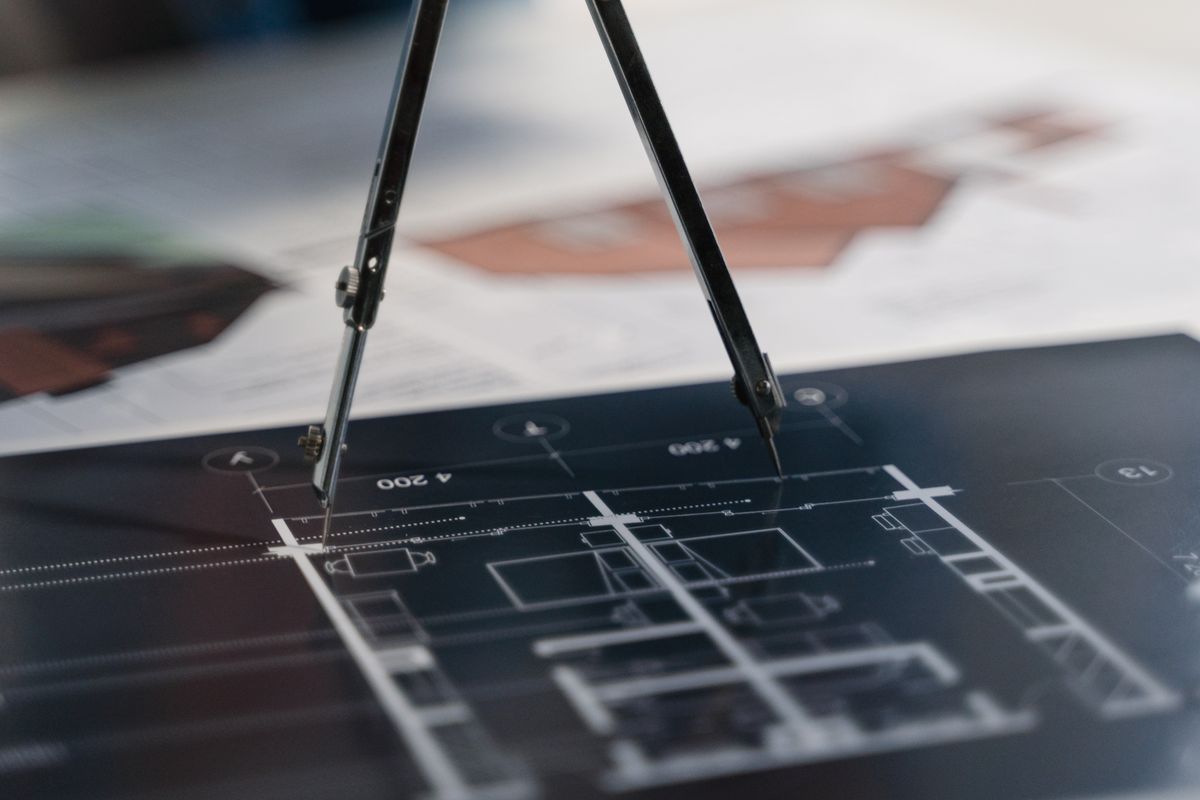
The DXF file is the standard for technical drawing exchange.
Required contents
- Closed 2D geometry
- Main dimensions
- Tolerances
- Material and supply condition
- Finishes
- Technical notes
Common errors
| Error | Consequence | Solution |
|---|---|---|
| Duplicate lines | Dirty edge | PURGE / OVERKILL |
| Wrong scale | Out-of-size part | Check UNIT |
| Radii too small | Cannot bend | Radius ≥ thickness |
5-step feasibility check
- Geometry check
- Scale check
- Thickness check
- Radius check
- Tolerance check
Metal S.r.l. performs a free feasibility check on every DXF.
Conclusion
If you need support for your project, the Metal S.r.l. team is available for technical analysis, quotations and samples.
Send your DXF for free check →